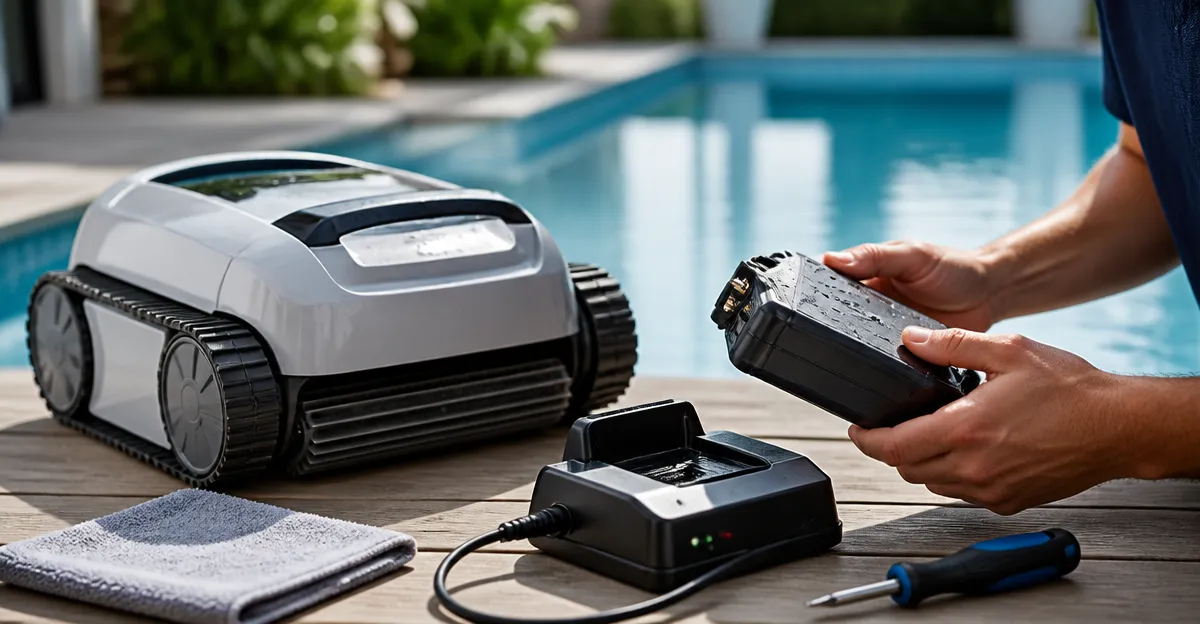
How to Troubleshoot a Cordless Pool Cleaner Battery Not Charging: Step‑by‑Step DIY Fixes
Introduction
When a cordless pool cleaner refuses to charge, the inconvenience quickly turns into a wasted weekend and a murky pool. This guide teaches the reader how to identify the root cause, perform safe diagnostics, and apply practical fixes without professional service. By following the outlined steps, one can restore full cleaning performance, protect the battery’s lifespan, and avoid costly replacements.
What You’ll Need
- Phillips and flat‑head screwdrivers
- Isopropyl alcohol (90%+ concentration) and lint‑free cloths
- Digital multimeter (for voltage and resistance checks)
- Replacement battery pack (compatible with your model)
- Optional: EZIOOV Y20 Cordless Pool Cleaner – useful for testing a known‑good battery and charger
Step 1: Verify the Power Source and Charger
The first cause of a non‑charging battery is often a faulty wall outlet or charger. Plug the charger into a different, confirmed‑working outlet. Observe the LED indicator on the charger; a steady green light typically denotes proper input voltage. If the light remains off or flashes amber, the charger itself may be defective.
For a reliable charger, the EZIOOV Y20 Cordless Pool Cleaner includes a built‑in charger that has received a 5‑star rating from 41 reviewers. Its 5200 mAh battery and 150‑minute runtime demonstrate a well‑engineered power system, making it an excellent reference unit when testing your own charger.
Step 2: Inspect Battery Contacts and Connectors
Corrosion or debris on the battery terminals can prevent electrical flow. Remove the battery compartment according to the manufacturer’s manual. Use a lint‑free cloth dampened with isopropyl alcohol to clean each contact point. Allow the contacts to dry completely before reassembly.
While cleaning, you might notice residual pool chemicals that have settled on the connectors. A gentle brush, such as the one supplied with the PoolMr Handheld Pool Vacuum, can dislodge stubborn particles without scratching the metal. The PoolMr vacuum, priced at $64.99 with a 3.9‑star rating from 2,000 reviews, offers dual brush heads for versatile cleaning tasks.
Step 3: Reset the Cleaner’s Electronics
Many modern cleaners include a firmware reset function that clears error codes related to power management. To perform a reset, disconnect the battery, wait 30 seconds, then reconnect and press the power button for five seconds. This action forces the control board to re‑initialize its power‑monitoring circuit.
If the reset does not resolve the issue, proceed to the next diagnostic step. Resetting is a low‑risk maneuver that often restores charging capability after a temporary software glitch.
Step 4: Test Battery Voltage with a Multimeter
Set the digital multimeter to DC voltage and measure the battery terminals. A healthy 5200 mAh lithium‑ion pack should read between 12.5 V and 13.5 V when fully charged. Readings below 10 V indicate a deeply discharged or damaged cell.
Should the voltage be low, attempt a brief “boost charge” of five minutes using the original charger. Re‑measure the voltage; a rise of at least 0.5 V suggests the battery can still accept charge. Persistent low readings mean the battery requires replacement.
Step 5: Replace the Battery or Charger if Faulty
When the battery fails the voltage test, order a replacement that matches the original specifications. The zebary Cordless Robotic Pool Cleaner features a 180‑minute runtime powered by a high‑density battery; its battery module can serve as a reference for capacity and connector type. Priced at $169.99 with a perfect 5‑star rating from 17 reviewers, the zebary unit demonstrates robust battery performance that can guide your selection of a compatible pack.
If the charger is at fault, consider purchasing a universal 12 V, 2 A charger with over‑charge protection. While not listed among the provided products, such chargers are inexpensive and widely available. Ensure the charger’s output matches the battery’s voltage and current requirements to avoid over‑heating.
Tips & Pro Tips
- Maintain a clean charging dock. Dust and pool chemicals can accumulate on the dock pins, reducing contact quality.
- Store the cleaner in a shaded area. Excessive heat degrades lithium‑ion cells, shortening runtime.
- Perform a monthly voltage check. Early detection of capacity loss prevents unexpected downtime.
- Use the Teguy Cordless Pool Vacuum for routine pool debris removal. Its 40 W motor and 18.5 GPM suction keep the pool surface clear, reducing the load on the robotic cleaner.
Troubleshooting Common Issues
| Symptom | Possible Cause | Solution |
|---|---|---|
| Charger LED flashes red | Loose power cord or damaged adapter | Replace the charger or use a known‑good charger (e.g., the one bundled with EZIOOV Y20). |
| Battery indicator shows "0%" after full charge | Battery cell imbalance | Perform a full discharge cycle, then recharge without interruption. |
| Cleaner stops mid‑cycle | Auto‑parking triggered by low battery | Confirm battery voltage; replace if below 10 V. |
Conclusion
By systematically verifying the power source, cleaning contacts, resetting electronics, testing voltage, and replacing faulty components, one can reliably restore a cordless pool cleaner that refuses to charge. Applying the tips above will also extend battery life and reduce future interruptions. With a functional cleaner, pool owners can enjoy crystal‑clear water without the hassle of manual vacuuming.
Products Mentioned in This Guide
Frequently Asked Questions
Why won't my cordless pool cleaner battery charge even though the charger is plugged in?
A faulty wall outlet, damaged charger cable, or a broken charger port can prevent power from reaching the battery.
How can I test if the charger is delivering voltage to the battery?
Use a digital multimeter to measure the output voltage at the charger’s connector; it should match the charger’s rated voltage.
What signs indicate a dead or degraded battery pack?
The battery won’t hold a charge, voltage drops quickly, or the cleaner stops mid‑cycle despite a full charge.
Can cleaning the battery contacts improve charging performance?
Yes, gently wipe the contacts with isopropyl alcohol and a lint‑free cloth to remove corrosion or debris.
When should I replace the battery versus repairing the charger?
Replace the battery if voltage and resistance tests show it’s out of spec; replace the charger only if it fails voltage output tests.